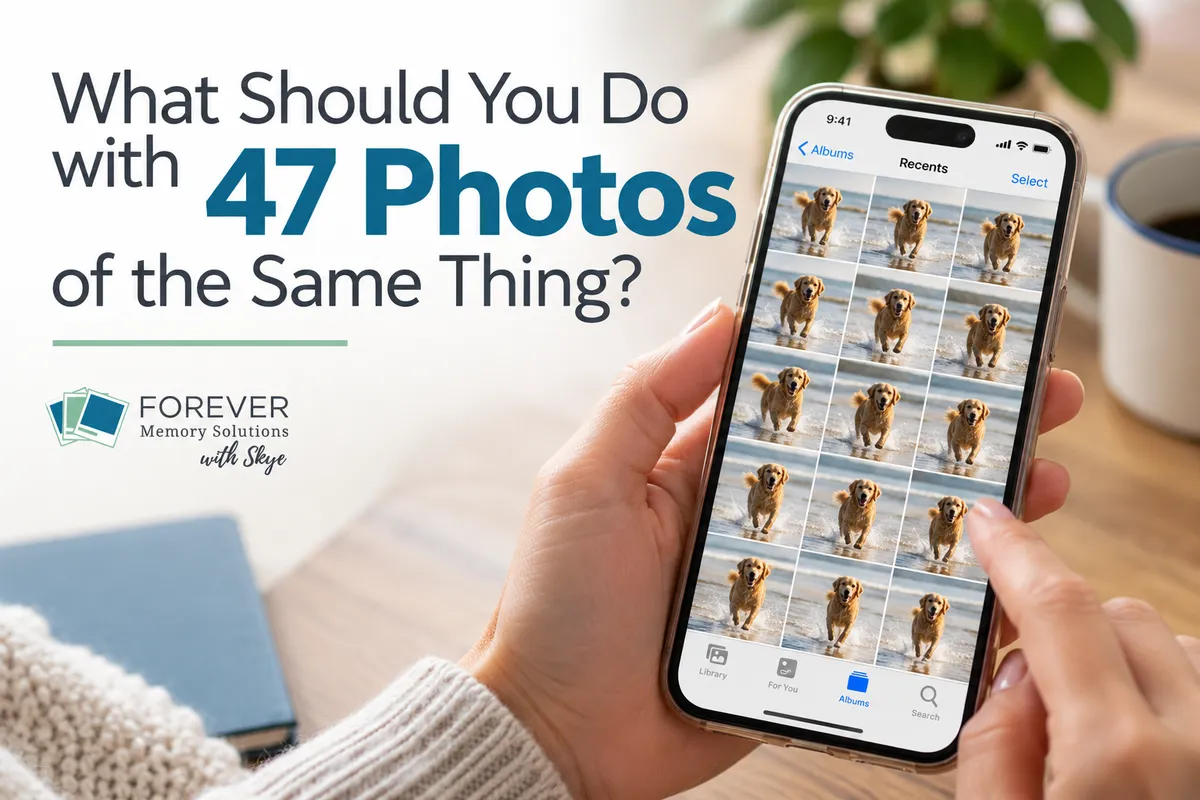
What Should You Do With 47 Photos of the Same Thing?
You know the situation.
You take a family photo. Someone blinks.
Take another.
Now someone is looking away.
Take another.
That one is pretty good—but maybe we should take just one more to be safe.
Or maybe you were trying to capture a toddler, a sporting event, a beautiful sunset or the dog doing something adorable. Before you know it, you have 12, 27 or 47 photos that are almost—but not quite—the same.
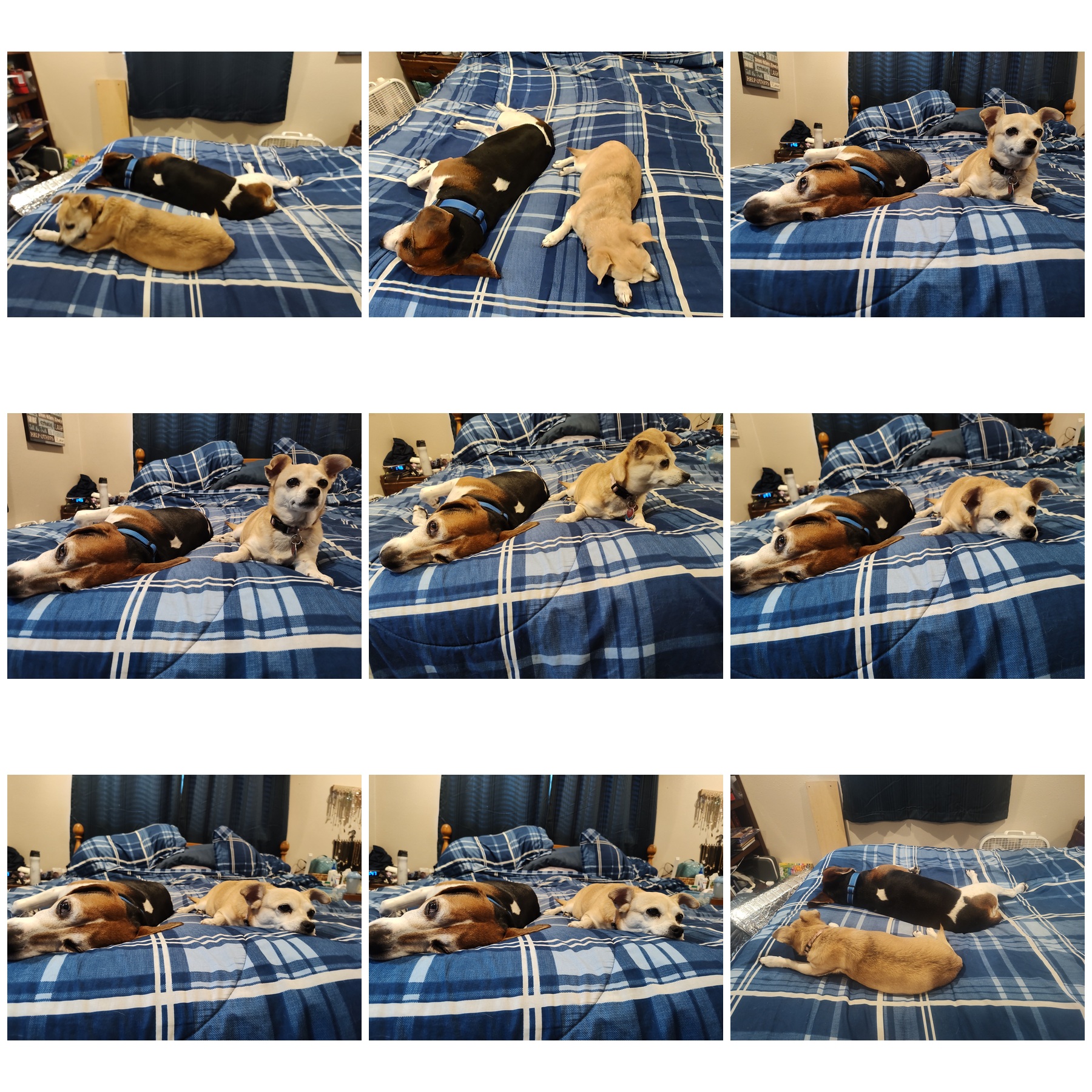
Digital photography has given us an incredible gift: we can take as many pictures as we want without worrying about wasting film.
It has also given us a whole lot of photos to sort through later.
So what do you actually do with all of them?
First, you don't have to keep the “best” photo
This may sound strange coming from someone who helps people organize their photos, but I don't think the goal should always be to choose one perfect picture and delete everything else.
Sometimes several photos together tell the story.
Maybe one picture has the best smiles, but another captures the three-year-old making the face that perfectly represents who he was at that age.
Maybe you photographed your daughter walking across the stage at graduation. You don't need all 37 photos from the burst, but you might want several that capture different parts of the moment.
The question isn't necessarily:
Which ONE should I keep?
A better question is:
Which photos add something to the story?
If five photos each capture something different, keep five.
If 42 of the 47 are essentially interchangeable, you probably don't need all 47.
Start with the easy decisions
When you're reviewing a group of similar photos, don't start by agonizing over which one is the absolute best.
Start with the obvious ones.
Delete photos that are:
Accidental
Completely out of focus
Mostly blocked by a finger
Terrible expressions when you have a better version
Exact duplicates
Screenshots you no longer need
Photos you took simply to remember something temporarily
That alone can eliminate a surprising amount of clutter without requiring any difficult decisions.
And there's an important exception here: a technically bad photo can still be a priceless photo.
If it's the only picture you have of someone, or it captures a meaningful moment that can't be recreated, don't delete it just because it's blurry or poorly composed.
Memory matters more than photographic perfection.
Then compare the near-duplicates
This is where it gets a little harder.
You may have six pictures where everyone is looking at the camera and all six are reasonably good.
Look at them together and ask:
Which has the best expressions?
Which is the sharpest?
Is anyone blinking?
Is the composition better in one?
Does one capture more personality?
Would I ever use these photos differently?
Usually, when you compare similar photos side by side, a few favorites begin to emerge.
You don't need to find a reason to delete a photo. You need to decide whether it adds something worth keeping.
That's a subtle difference, but I think it makes decluttering photos much easier.
Don't forget about screenshots
Screenshots deserve their own category because they multiply quietly.
Recipes. Confirmation numbers. Products you were considering buying. Funny memes. Directions. Event information. A text conversation you wanted to remember.
Some screenshots are absolutely worth keeping. Many were useful for about 20 minutes.
Ask yourself:
Does this screenshot still serve a purpose?
If the answer is no, let it go.
If it contains information you genuinely want to preserve, consider whether that information belongs somewhere better than buried among your family photos.
Work in small groups—not your entire photo collection
One of the biggest mistakes people make when they decide to declutter their photos is thinking:
I have 30,000 photos. I need to clean them all up.
That's enough to make anyone quit before starting.
Instead, choose a manageable group.
You could work on:
One month
One year
One trip or event
One album
One person's photos
Today's date from previous years
Recent photos on your phone
This is also one place where good photo organization tools can help. Albums, dates, tags and facial recognition can give you smaller groups of photos to review instead of confronting your entire collection at once.
For example, facial recognition can help bring together photos of one person that may otherwise be scattered across many years, albums and events. That gives you another way to review, organize and enjoy those memories.
Create a habit of choosing favorites
There's another habit I love that makes all of this easier: mark your favorite photos as you go.
When you come across a photo that makes you smile, one you know you'd want in a photo book, or a picture you'd happily show someone, mark it as a favorite.
Over time, you're creating a collection of your best and most meaningful photos without having to sit down someday and search through thousands of images.
Those favorites become an easy starting point when you want to make a book, order a print, create a gift, put together a slideshow or simply show someone the pictures you love.
Your Favorites collection doesn't have to contain only technically perfect photographs.
It should contain the photos you want to see again.
What if you just can't decide?
Then keep it.
Seriously.
Photo decluttering isn't supposed to become an exercise in regret.
If you're looking at two photos and genuinely can't decide which one matters more, keep both and move on.
You can always revisit them later.
The goal isn't to ruthlessly reduce your photo collection to the smallest possible number.
The goal is a collection where the meaningful photos aren't buried beneath thousands of images you don't care about.
Progress matters more than perfection.
And yes, someone else can help with this
For some people, organizing and decluttering photos is satisfying.
For others, sorting through thousands of pictures sounds like the last thing they want to do with their free time.
You don't have to tackle it alone.
I can teach you how to create a manageable system, work alongside you as you organize your collection, or do much of the organizing work for you.
There will always be some decisions that only you can make—I'm not going to decide which expression of your grandchild makes your heart happy—but I can help take care of a lot of the work around those decisions.
Sometimes having a system, a little accountability or another set of eyes is exactly what makes an overwhelming project finally feel possible.
Your Memory-Keeping Challenge
Find one small group of similar photos this week.
Maybe it's a burst from a family gathering, 15 pictures of the same sunset or the photos you took trying to get everyone to smile at the same time.
Don't ask yourself how many you should keep.
Ask:
Which photos add something to the story?
Keep those.
Let the others go.
Then, while you're there, mark your very favorites so they're easier to find again.
You don't need to declutter 30,000 photos this week.
You just need to make one little corner of your photo collection better than it was before.
Frequently Asked Questions About Decluttering Digital Photos
How many similar photos should I keep?
There isn't a perfect number. Keep the photos that contribute something meaningful—a different expression, perspective, action or part of the story. If several images are nearly identical, choose the strongest ones and consider deleting the rest.
How do I choose between near-duplicate photos?
Compare similar photos side by side. Look at expressions, focus, composition and whether each photo captures something unique. You don't necessarily need to choose only one, but you probably don't need several virtually identical versions.
Should I delete blurry photos?
Usually, a blurry or badly exposed photo can be deleted when you have a better version of the same moment. However, keep it if it is the only photo of an important person, event or memory. Emotional value can be more important than technical quality.
Should I delete screenshots from my photo library?
Delete screenshots that no longer serve a purpose, such as expired confirmation information, temporary reminders or products you no longer need to reference. If a screenshot contains information worth preserving, consider whether it should be stored somewhere other than your main photo collection.
What is the easiest way to start decluttering thousands of photos?
Start with a small group instead of your entire collection. Choose one month, event, album, person or recent group of phone photos. Removing obvious unwanted images and near-duplicates from small groups can make a large photo collection gradually become more manageable.
Can facial recognition help organize and declutter photos?
Yes. Facial recognition can group photos of the same person even when those images span different dates and events. Reviewing a smaller group of photos associated with one person can make it easier to identify favorites, near-duplicates and photos you no longer need.