You Digitized Everything. Now What? 5 Steps to Turn Old Photos Into a Family Legacy Blog Post
You did it.
You finally sent in those boxes to be digitized. The VHS tapes. The slides. The shoeboxes stuffed with photos from the 80s that you've been meaning to deal with for years.
Or maybe you spent a weekend scanning everything yourself, and now you're sitting in front of a folder full of thousands of files and you have absolutely no idea what to do next.
That feeling? Completely normal. And incredibly common.
Here's the truth: getting your memories digitized is a huge and important first step. But digitization alone doesn't create a legacy. What happens after the scan is what transforms a pile of photos into something your family will actually use, love, and treasure for generations.
Let's talk about what comes next.
🗂️ 1. Give Your Memories a Permanent Home
The most common thing I see after digitization? Files sitting on a USB drive in a junk drawer. Or worse, on an external hard drive that eventually gets dropped, corrupted, or wiped.
A thumb drive is not a preservation plan. Neither is a folder on your desktop.
Your memories need a home that's:
Permanent— not tied to a subscription that disappears if you stop paying
Backed up— ideally in multiple locations
Accessible— not just to you, but to your family
This is exactly why I love FOREVER® storage. It's designed specifically for photos and videos, it's permanent (your files don't disappear if you stop paying), and it gives your family a way to actually access those memories even after you are gone.
📁 2. Organize Enough — Not Perfectly
Here's where a lot of people get stuck. They want to perfectly organize 4,000 photos before they do anything else.
Don't do that.
Progress over perfection. Always.
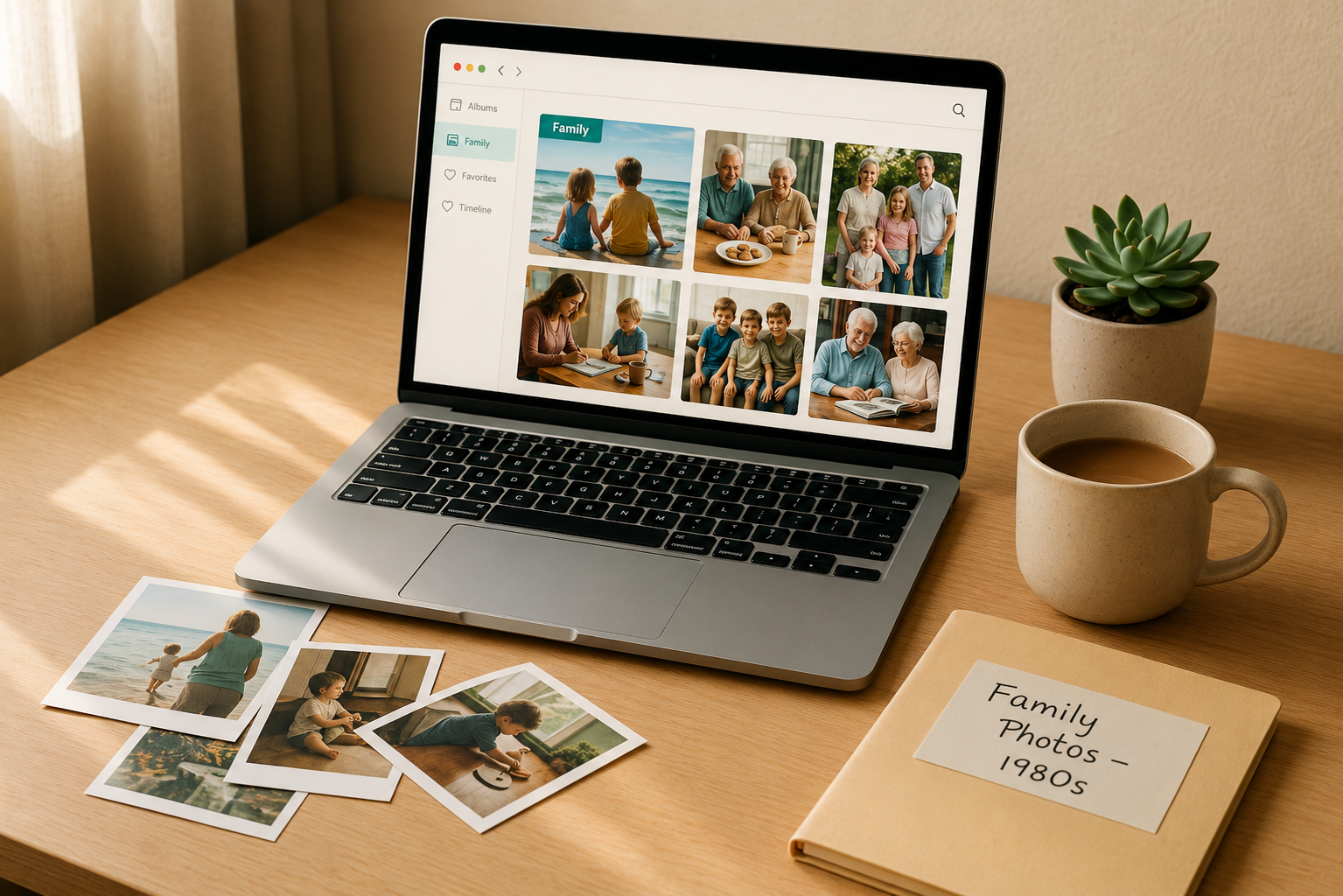
You don't need every photo perfectly labeled and sorted to start enjoying your memories. You just need enough organization to find what you're looking for.
Start with these four things:
Albums: group photos by event, year, or theme. (A trip. A decade. A person.)
Tags: add a few keyword tags so photos are searchable.
People: use facial recognition to identify family members. Once you tag grandma once, the system finds her in every photo.
Dates: correct obvious date errors so your timeline makes sense.
That's it. Four things. You don't have to caption every photo this week. Just get them into albums and tag the people.
One album at a time. One person at a time. That's how this works.
💬 3. Tell the Stories While You Still Can
This one is the most important and the most overlooked.
Your photos carry context that only you know. The people in them. The story behind the moment. The inside joke. The trip that almost didn't happen.
That context lives in your memory, and it won't live there forever.
Future generations won't know that the blurry photo from 1978 is your dad's birthday party at a bowling alley in Toledo, or that the woman in the yellow dress is the grandmother they never got to meet.
You are the keeper of those stories. Write them down! Even a sentence or two per photo makes a big difference.
Inside your FOREVER albums, you can add captions, stories, and notes directly to individual photos and albums. It doesn't have to be a novel. Just a few words of context that make the memory real for the people who come after you.
Ask yourself: What is one photo in your collection that only you can explain? Start there.
🎬 4. Make Your Videos Easier to Enjoy
Digitized videos often sit unwatched because they're long, clunky, or hard to share.
The new FOREVER Video Editor changes that, and it's simpler than you'd think.
Here's what you can do:
Trim clips: cut the 2 hour video into specific events rather than having one long video that has the birthday party, the dance recital, and the soccer game
Combine videos: stitch clips together into a meaningful highlight reel
Capture still images: pull a single frame from a video and save it as a photo
Create cover images: make your video albums look polished and intentional
Think about how many VHS tapes came back with 2-hour recordings of holiday gatherings. What if you edited that down to a 10-minute highlight that your family would actually watch? That's what this tool makes possible.
💌 5. Share Them — Because Memories Aren't Meant to Hide
Here's a question I love to ask clients: When's the last time your family actually sat together and looked at old photos?
Most people look a little sad when they answer.
Sharing doesn't have to be complicated. It can be:
Sharing an album link with family members who live far away
Streaming a video at a family dinner or reunion
Creating a photo book as a gift for Father's Day, a birthday, or just because
Texting one old photo to a sibling with a "remember this?" message
The goal isn't to share everything perfectly. The goal is to make your family feel something.
🌿 Your Next Step
You don't have to do all five of these things this week.
Pick one. Just one.
What's one thing you've already digitized but haven't done anything with yet? I'd love to help you figure out the next step, whether that's getting your files into a permanent home, building your first album, or finally watching that old VHS tape with your kids.
Message me. I'm happy to help. 💙