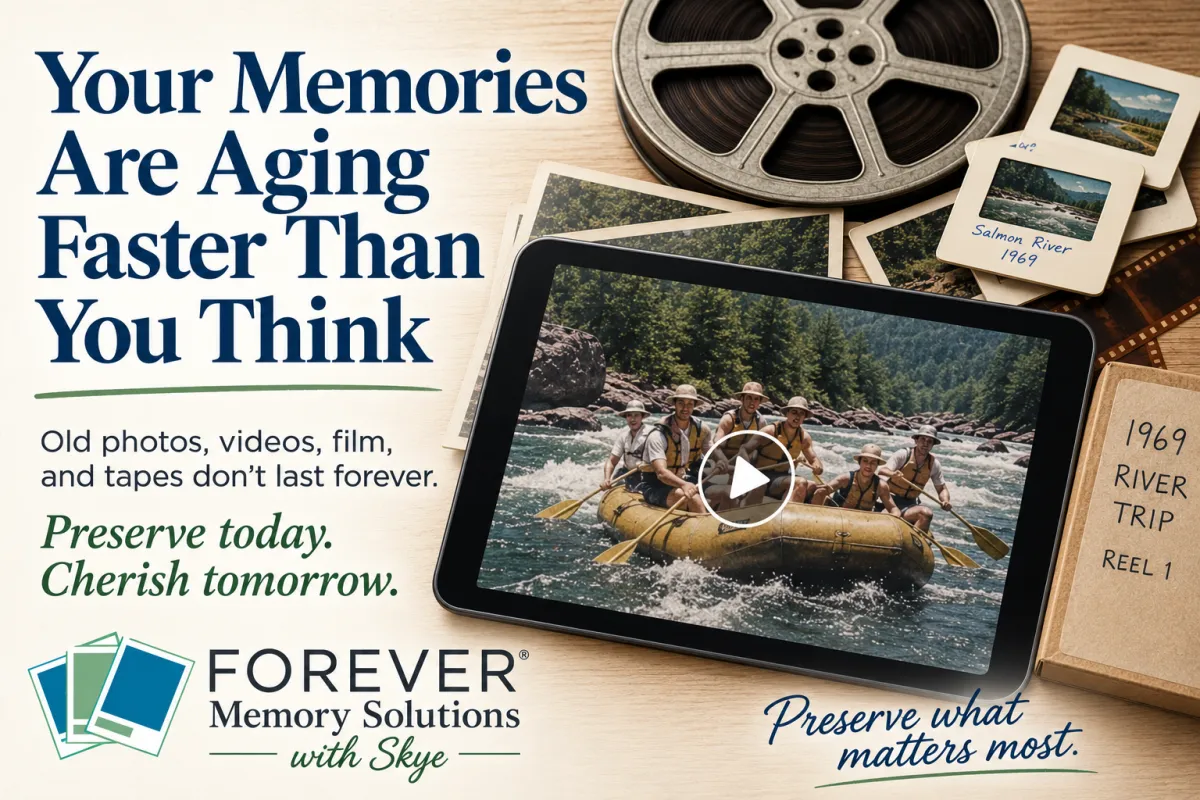
Your Memories Are Aging Faster Than You Think
A few years ago, my mom was cleaning out a closet when she found two old film reels.
None of us had watched them in decades.
When we had them digitized, we discovered something wonderful.
They weren't just random pieces of film.
They were movies my grandfather had created from two river trips in 1969.
He had edited everything together himself. He created title cards with the cast and location. Before each rapid, he filmed its name written in the sand. Then the movie showed everyone—especially my grandparents—rowing through it.
The films don't have any sound.
But somehow, that doesn't matter.
I love seeing my grandparents as young adults, laughing, working together, and doing something they absolutely loved.
Those reels could have remained in that closet forever.
Instead, they're now part of our family's story again.
It also reminds me that old media does not simply wait for us unchanged.
Most people assume their old photos and home movies are safely waiting in a closet until they're ready to deal with them.
Unfortunately, that's not always true.
Every year, your memories continue to age—even while they're sitting untouched in a box.
Film fades.
Photographs discolor.
VHS tapes lose quality.
Slides shift colors.
Negatives become brittle.
Audio recordings slowly deteriorate.
The difficult part is that this damage usually happens so gradually that we don't notice until it's too late.
The good news?
You don't have to digitize everything tomorrow, but you do need to decide what you're going to protect first.
Not All Memories Age the Same
Some items are far more fragile than others.
If you're wondering where to begin, here's a general priority list:
1. VHS Tapes & Camcorder Tapes
Magnetic tape has one of the shortest life expectancies of common home media.
If you have recordings of weddings, children growing up, vacations, or loved ones who have passed away, these should move toward the top of your list!
2. Movie Film (8mm & Super 8)
Film can last a long time when stored well, but heat, humidity, and repeated handling speed up deterioration.
If your family history lives on reels, don't wait until they're no longer playable.
3. Slides & Negatives
Many people think these are "safe" because they aren't handled often.
In reality, color shifts and fading continue over time, especially if they've been stored in garages, attics, or basements.
4. Printed Photos
Photos may look fine today, but small changes often appear first:
Yellowing
Fading
Cracks
Curling
Silvering
Stuck-together prints
The earlier they're digitized, the better the digital copy can be.
Watch for Warning Signs
If you notice any of these, it's time to move those memories toward the front of your project list.
✓ Vinegar smell from film
✓ Sticky or squealing VHS tapes
✓ Photos sticking together
✓ Water damage
✓ Brittle negatives
✓ Color fading
✓ Broken photo albums
These aren't just cosmetic issues—they're signs that deterioration is already happening.
Be careful when handling damaged media. Do not try to pull apart stuck photographs, clean moldy items, or play a damaged tape without first getting advice. Trying to fix the problem yourself can sometimes cause more damage.
Progress Beats Perfection
One of the biggest reasons people delay digitizing is because they think they have to organize everything first.
You don't.
In fact, trying to organize thousands of photos before protecting them often delays the project for years.
Instead:
Pick one box.
Choose one shelf.
Fill one FOREVER® Box.
Save what matters most first.
In many cases, you can actually organize later—and it’s often much easier once everything is digitized, because tools like facial recognition and comparison features can help you sort and identify photos far more quickly than digging through boxes that may or may not even be stored together.
You can't always recover a memory once it's gone—whether it's been lost, damaged, or simply faded beyond repair.
Preserve More Than Pictures
When we digitize something, we're not simply making a copy.
We are preserving the moments that shaped a family and the small details that time tends to erase.
Birthdays.
Family vacations.
Baby laughter.
Grandpa's voice.
Mom's handwriting.
The shaky ink on a birthday card that was written in a rush but meant with so much love.
The sound of someone who is no longer here, but still instantly recognizable the moment you hear them again.
The way your grandparents smiled at each other.
The activities they loved.
The places they traveled.
The everyday moments you didn't realize were important until years had already passed.
The little moments that someday become the biggest treasures.
Those memories deserve a future—one where they can still be seen, heard, and shared long after the original moment has faded.
Tiny Steps This Week
1. Walk through your home and find your oldest box of memories.
Don't organize it.
Don't sort it.
Just find it.
2. Then take the next important step: decide what to start with.
Choose one small, meaningful category—maybe a single VHS tape, a stack of printed photos, or one photo album. You don’t have to tackle everything at once. You just need to choose the first thing you want to preserve.
3. Next, decide how you want to digitize it.
You have two simple options:
Do it yourself using a converter, scanner, or digital capture setup at home
Work with a professional who can handle the process for you with higher-quality equipment and less time investment on your part
4. Then make it real by choosing where and when it will happen.
If you're doing it yourself, schedule the time on your calendar—just like any other important appointment.
If you're using a professional service, reach out, ask questions, and begin the process so your memories are officially in motion.
Knowing where your most fragile memories are is the first step toward protecting them.
Deciding what to start with—and how you’ll preserve it—is what actually begins the process.
Sometimes the smallest step today prevents the biggest regret tomorrow.
Ready to Choose Your First Project?
If you've been wondering where to start—or you're unsure what should be digitized first or whether to do it yourself or hire a professional—I'd be happy to help.
We can walk through what you have, decide what matters most, and create a simple plan that fits your timeline, comfort level, and budget.
Whether you want to set up a do-it-yourself system at home or hand the project off to a trusted professional, the goal is the same: getting your memories out of fragile formats and into a form that can be protected, enjoyed, and shared.
Because preserving your memories isn't about doing everything today.
It's about finally starting the process that helps ensure they're still here tomorrow.