

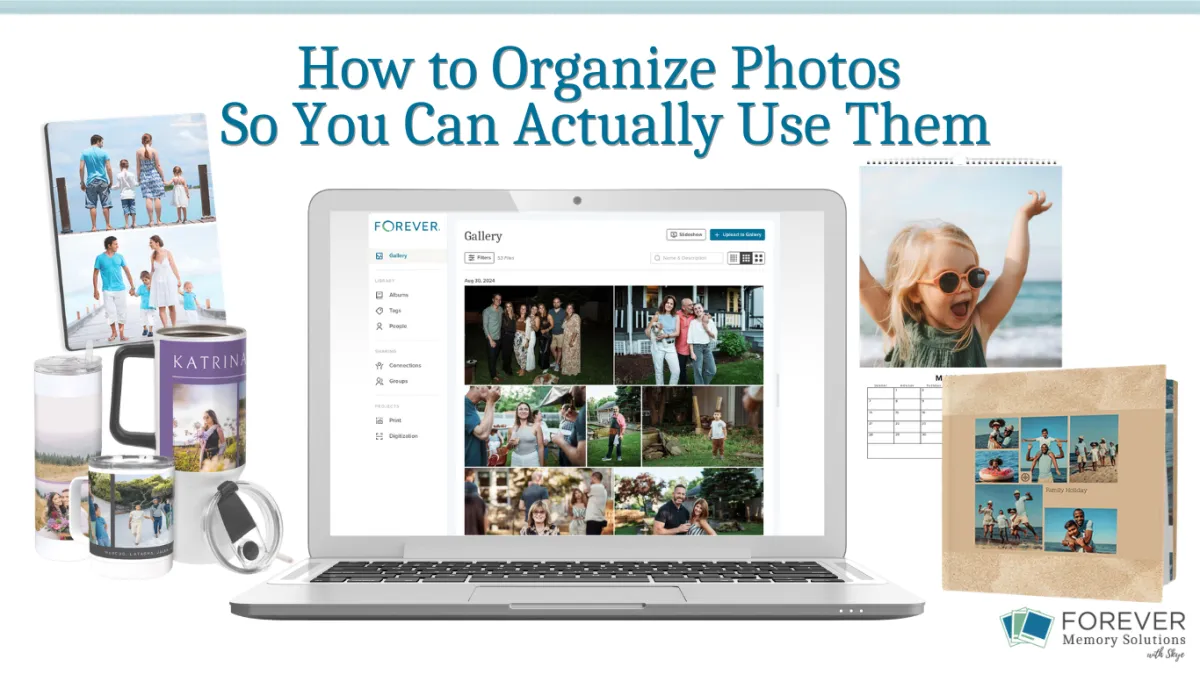
How to Organize Photos So You Can Actually Use Them
We’ve gotten really good at saving photos—but not always at organizing photos in a way that makes them easy to use.
Our phones are full. Our computers are full. You probably even have boxes of printed photos, slides, or home videos tucked away in a closet or basement.
But here’s the real question…
Can you actually use your photos—not just store them?
Can you quickly find the one you want? Can you turn them into a book or a gift without feeling overwhelmed? Can you pull together photos for a story or a family project without digging for hours?
For most people, the answer is no, and it’s not because they don’t have great photos. It’s because their system was built for storage, not for use.
Let’s fix that.
Organize with the End in Mind
Related: Organize Your Photos in 15 Minutes a Day
Before you organize anything, take a step back and ask yourself:
What do I actually want to DO with my photos?
Maybe it’s:
Creating photo books
Making gifts for family
Sharing memories more easily
Preserving your family history
When you organize with a purpose, everything becomes simpler. You’re not trying to create a perfect system; you’re creating one that helps you actually use your photos.
Step 1: Keep Photo Organization Simple
Your goal isn’t perfection. Your goal is being able to find what you need when you need it.
Start with a simple photo organization system that makes sense to your brain:
Organize by year (2024, 2025, etc.)
Add “Big Rock” albums for important categories like:
Vacations
Holidays
Activities that happen most years
Special events
If you can find a photo in under 30 seconds, you’re doing it right.
Step 2: Make Your Photos Searchable (So You Can Actually Find Them)
This is where things really start to feel easy.
Instead of scrolling endlessly, use tools that make your photo library searchable and work for you:

Facial recognition to find people instantly
Tags (keywords) for events, places, and themes
Favorites to quickly pull your best photos
Imagine being able to find every photo of a specific person or moment in seconds. That’s what makes your photos usable—not just stored, but searchable and accessible.
Step 3: Create a “Project-Ready” Photo Collection
One of the biggest time-savers in photo management is pulling out your best photos as you go.
Create a few simple, purposeful albums like:
Favorites – your very best photos—the ones you’ll want to share, revisit, or grab quickly when you need something meaningful
Photo Projects – photos you’re planning to use for something specific (a blanket for Mom, your 2026 photo book, graduation photos, etc.)
Family History – photos and documents you want to preserve and share with extended family or use in your research
Now, when you’re ready to create something, you’re not starting from scratch or sorting through thousands of photos.
You’ve already done the hard part.
Step 4: Turn Your Photos into Projects
This is the part that matters most.
Start small with simple photo projects and keep it doable:
One photo book per year
One gift at a time
One small project instead of a huge one
Remember: done is better than perfect!
Every project you complete brings your memories to life in a new way.
A Simple Place to Start
If you’re not sure where to begin, try this:
Pick just ONE:
One year
One person
One event
Then spend 15 minutes:
Organizing
Tagging
Choosing a few favorites
That’s it.
Consistency matters more than big bursts of effort.
Why This Matters for Your Memories
Your photos aren’t meant to sit in digital storage or boxes.
They’re meant to be:
Seen
Shared
Enjoyed
When your system supports use, everything changes. It feels lighter, simpler, and a lot more meaningful.
If you’d like help organizing your photos, making them searchable, and turning them into meaningful photo projects, I’d love to help you create a system that fits your life.
Happy Memory-Keeping 💙 Skye